
Guide & walkthrough
Everything Cross Point Data can do, in the order most people use it. Prefer to learn by doing? Start the live tour on the map — it points at each button for you.
1Getting started
- Create a free account and confirm your email.
- Open the map. Search any address, or zoom in and click a parcel.
- Decide how you want property data: a monthly plan, or pay per record.
- Turn on Data Layers for hazard and market context, then try Hail History, Alerts and Reports.
2Search & the map
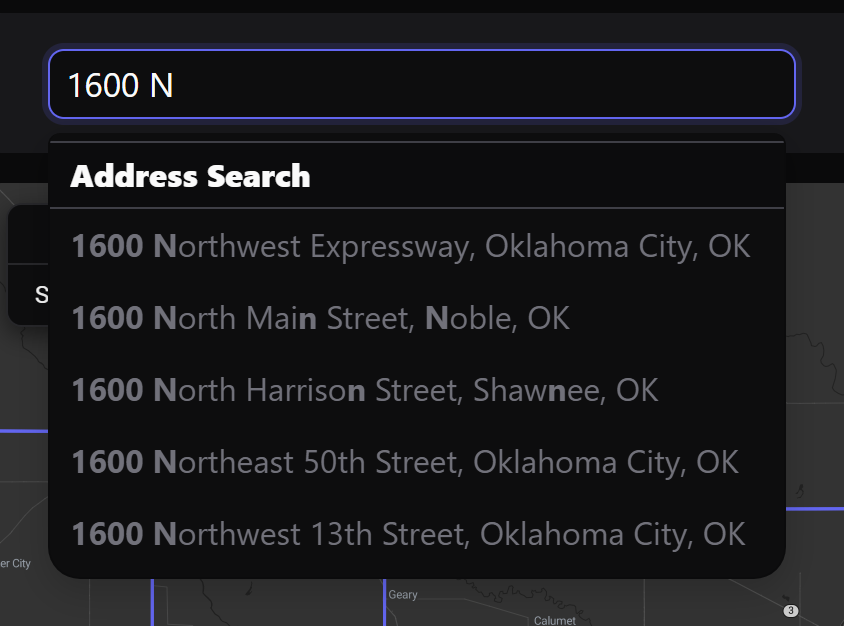
Type at least three characters of an address in the search bar and pick a suggestion. The map flies to the property and drops a pin. You can also click any parcel outline. Use the theme button for light or dark, and the map tools to measure, go fullscreen or print.
3Property records
The record shows owner names and mailing address, estimated value and equity, the AVM, current mortgages and full mortgage history, sale history and deeds, tax assessment, building details (including roof material), schools, demographics and fair-market rents.
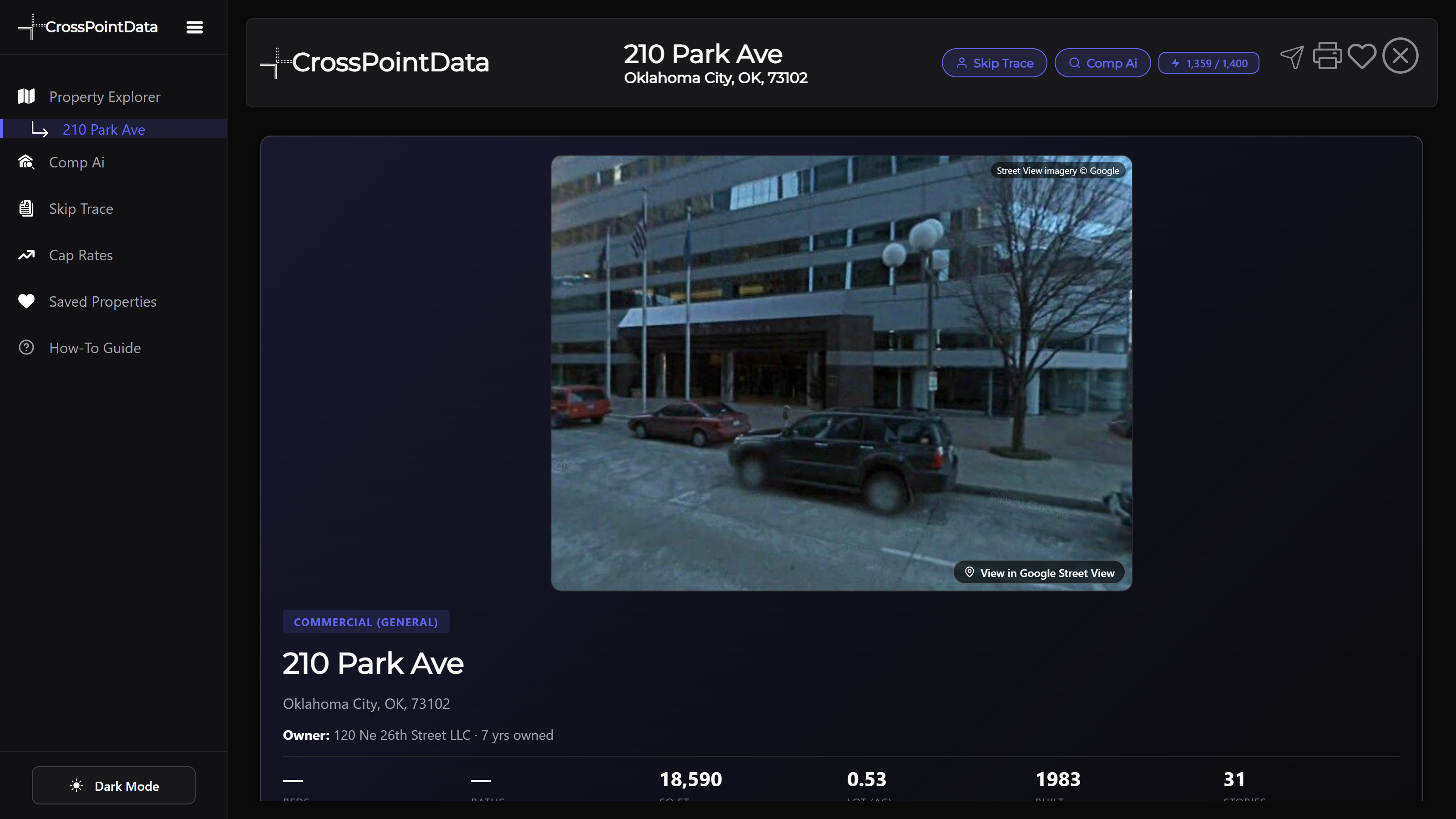
From a record you can save it, watch it for alerts, open its hail history, or make a branded report.
4Pay per record — $1.99
No subscription needed. When a property is locked, choose Unlock this property record — $1.99, tick the confirmation box and pay on the secure Stripe page. You come straight back to the property, unlocked.
- 4 months: a purchased property stays unlocked on your account for 4 months from when you unlock it — even if you unsave it. After that, unlock it again for another 4 months.
- Only charged on success: if we can't find the property, your credit isn't used and stays in your account.
- Never twice: re-opening a property you bought is free during its 4 months; if you try to buy it again while it's open we just open it.
- Subscribers who run out of monthly credits can use pay-per-record too.
See your record credits and purchased properties under My Account → Plan & Billing.
5Plans & credits
Starter ($9.99/mo, 10 lookups), Premium ($25/mo, 140 lookups, Comp Ai & Skip Trace) and Insider ($100/mo, 1,400 lookups, corporate skip trace). One credit = one full property lookup; credits reset on the 1st of each month. Re-opening a saved property you already paid for is free. Compare plans.
6Data layers
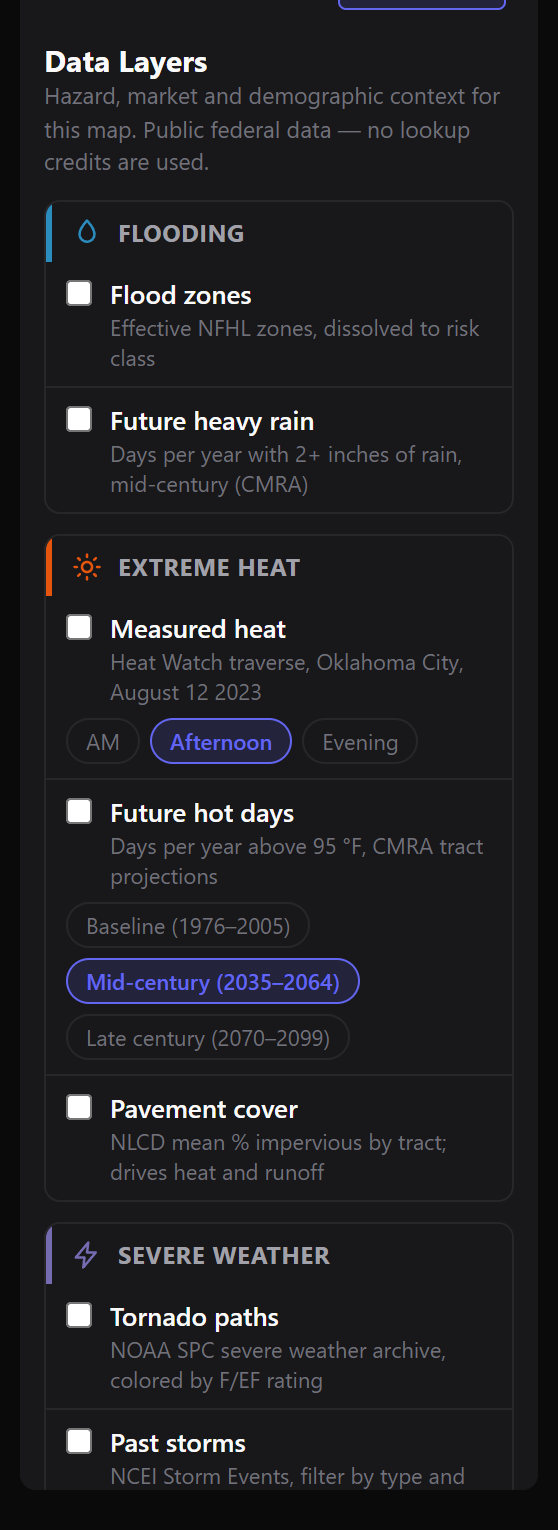
Press Data Layers in the left sidebar (or the button above the property list) to add flood zones, hail, wind, tornado tracks, earthquakes, heat, social vulnerability, home prices, jobs and more. Each layer has a legend; clicking the map still looks up properties. Hail now links to the full Hail History explorer.
7Hail history
Find storms
- Open Hail History. Pick a date range (or a preset: 30 days to all years since 1955) and a minimum stone size.
- Press Show storms. Storms are reports from the same day grouped by distance; the list shows the date, the largest stone and how many reports.
- Click a storm to zoom to it and outline its swath. Use ‹ › to step to the previous or next storm.
Replay & rewind
The bar at the bottom is the timeline — each bar is a storm day, colored by its largest hail. Press to play forward, to play backward, to step one storm day, or click the timeline to jump. Modes: Day (only that day), Trail (a fading 30-day trail), Cumulative (everything so far) and All. Keyboard: space = play, ←/→ = step.
Hail at a property
Search an address in the left panel and choose a radius. You'll see hail days, the largest stone, the most recent hail and every report with its distance. Click a row to jump to that storm, or use Alert me and Branded report.
8Property alerts
- Open Alerts (or press Watch on a property on the map).
- Choose This property or The neighborhood (a radius around it).
- Pick what to watch: sales, new mortgages, pre-foreclosure, owner or value changes, and hail / damaging wind / tornado reports with a minimum hail size.
- We check storm reports daily and property records weekly, and email you what changed. Choose instant, daily or weekly emails in Email preferences.
Storm alerts (hail, wind, tornado) are free for up to 3 places. Monitoring a property's records (sales, mortgages, pre-foreclosure, owner and value changes) takes a Property Alerts pack: $5/month per 3 properties, re-checked every 14 days. Add as many packs as you need, on top of any plan.
9Branded reports
- Open Reports and add your branding once: logo, company, contact details, brand color and an optional disclaimer.
- Enter an address, choose the storm radius and history length, and whether to include the full property record and your alerts.
- Press Generate report to preview it, then Download PDF or Email it — it opens your own email (mail app, Gmail or Outlook) with a secure link to the PDF.
One report per property lookup. Every report includes the property record, so it uses that property's lookup: with a Starter, Premium or Insider plan, opening a property uses 1 of your monthly lookups and its report (with your branding) is included — re-running it that month is free. Without a plan, you can make a Cross Point Data–branded report for a property you've unlocked for $1.99, while it's open (4 months). Monitored properties (Property Alerts) get reports at no extra lookup. Every sent report gets a private share link and view count under Sent reports.
10Comp Ai
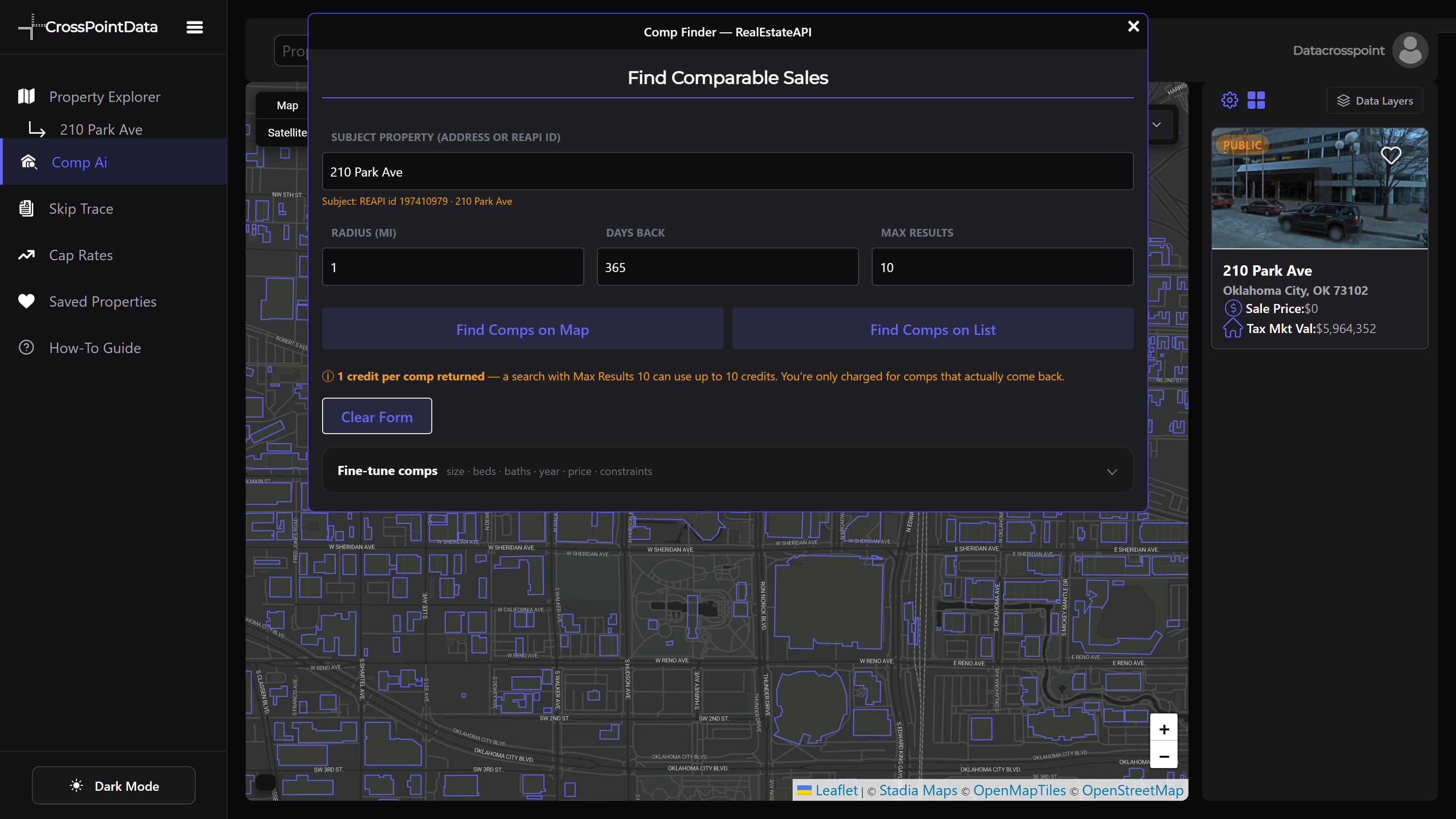
Premium and Insider: open Comp Ai in the left menu, set a subject property, adjust radius, sale window and size ranges, and find comparable sales on the map or as a list.
11Skip trace
Premium and Insider: find phone numbers and emails for an owner from the Skip Trace view; Insider adds corporate skip trace for LLC owners.
12Saved properties
Press the heart on any property to save it (10 free, 25 Starter, 100 Premium, 500 Insider). Saved properties you already paid for re-open free for 30 days. Purchased records are saved automatically.
13Account & email
My Account shows your plan, credits, record purchases, billing (via Stripe) and favorites. Email preferences controls offers and alert emails; every marketing email has a one-click unsubscribe.
14Privacy
We don't sell your data, we don't share it for advertising, and we don't run ads. Read the full privacy policy.